
Wordela is a dynamic, continuously evolving platform. Backed by a dedicated team of engineers, educators, curriculum specialists, and UX designers, we’re committed to delivering meaningful updates that enhance both teaching and learning. Here’s what’s new:
What’s New?
Feature Update: Library Screen + Word List Sharing
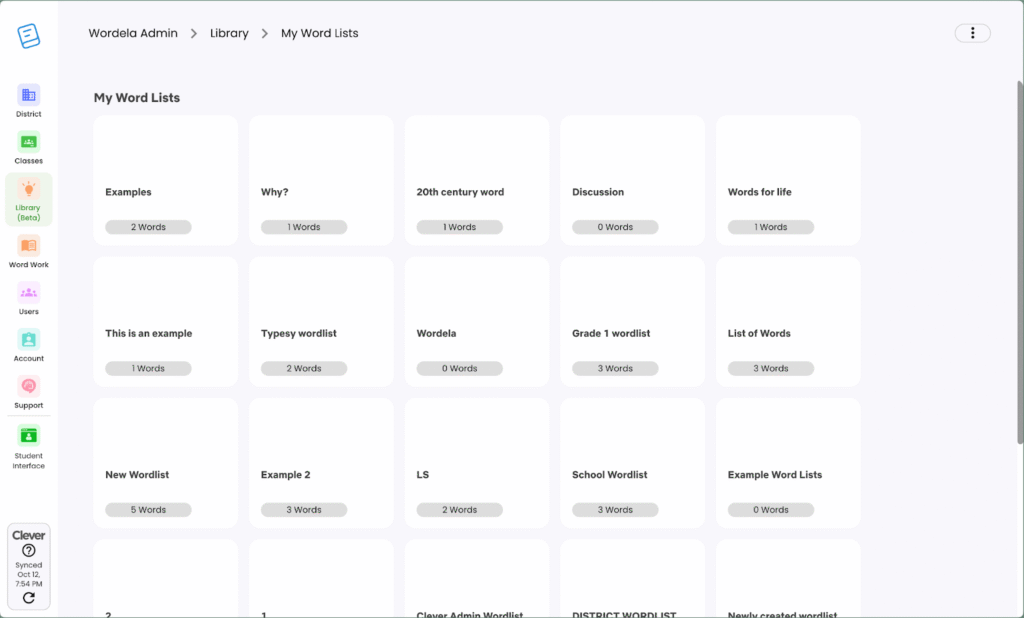
The new Library Screen is now live in Wordela!
Admins and teachers can now share word lists directly through the admin interface.
- School-level sharing: Teachers and school admins within the same school can access word lists shared at the school level.
- District-level sharing: Teachers, school admins, and district admins within the same district can access word lists shared at the district level.
This update streamlines collaboration, helping educators share and organize vocabulary resources with ease.
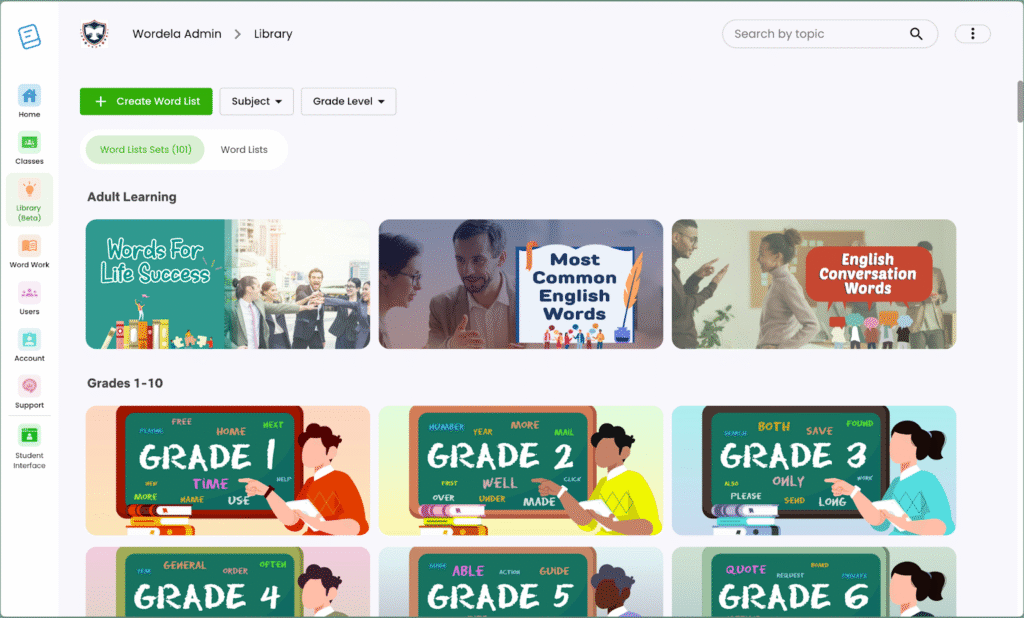
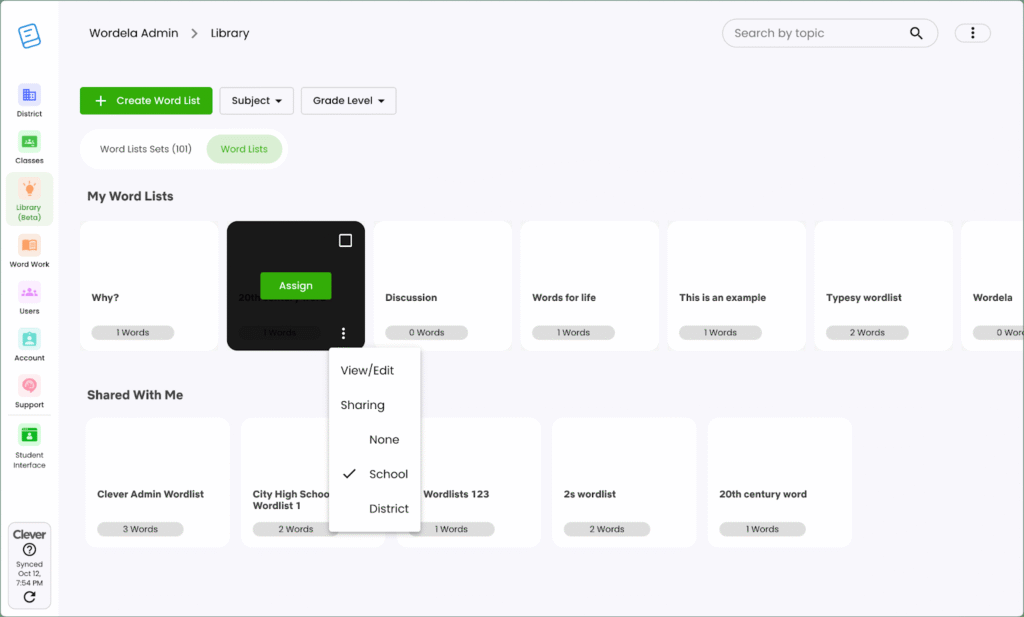
Shared word lists can be viewed in the “Shared Wordlists” section of the Word List tab on the Library screen, making it easy to find and manage shared content.
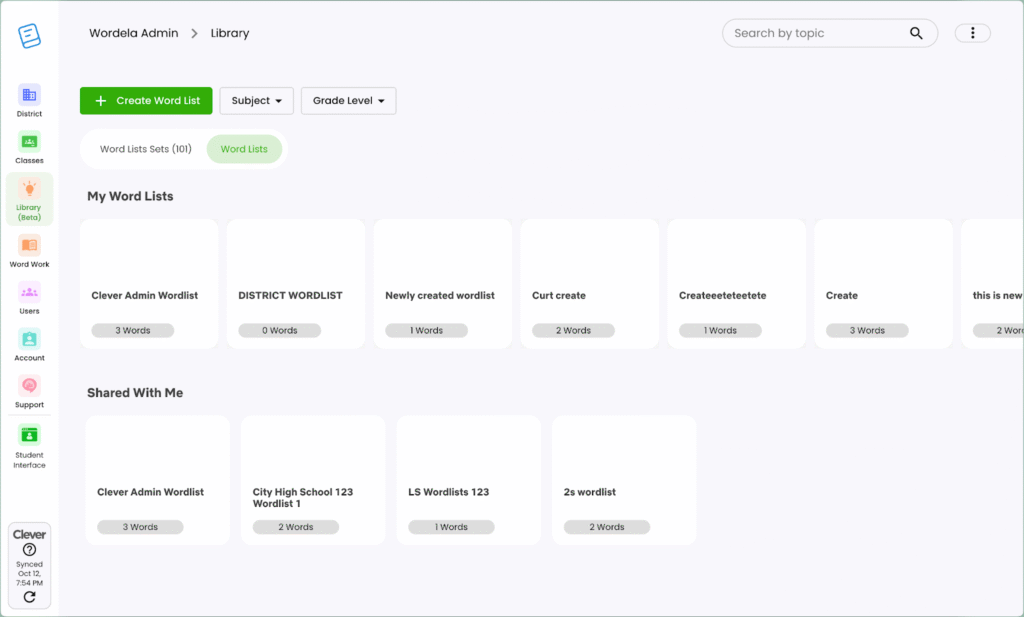
Teachers and admins can now access “My Wordlists” directly from the Word Lists tab on the Library Screen. This new section provides quick access to all personal and created word lists, making it easier to organize, review, and manage vocabulary content.
This feature applies to Wordela EDU accounts only.
Feature Update: Flag Image Tool
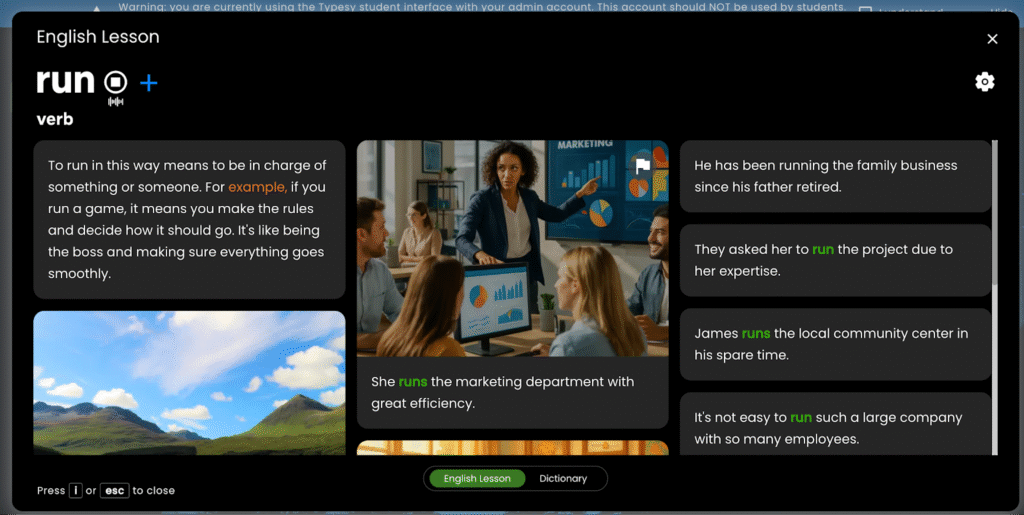
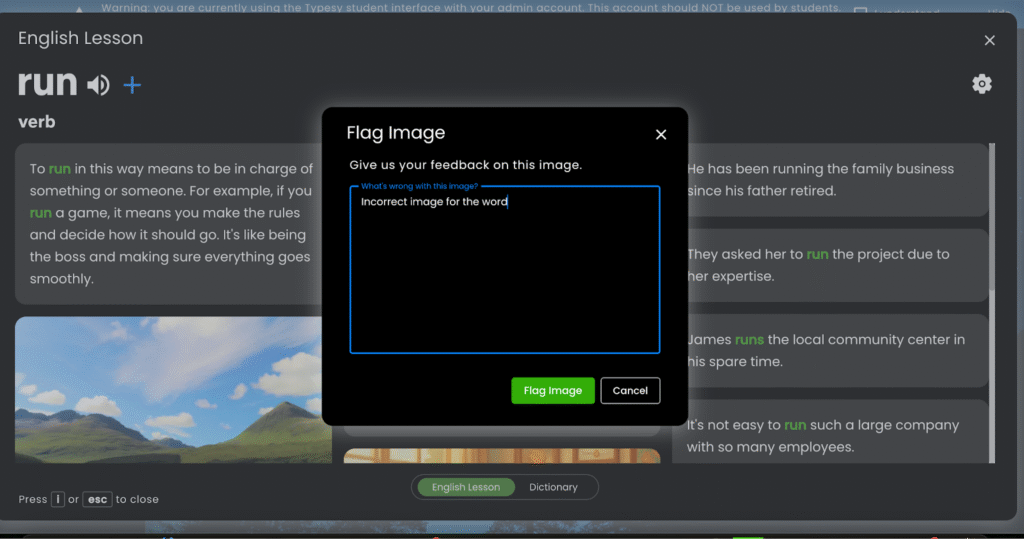
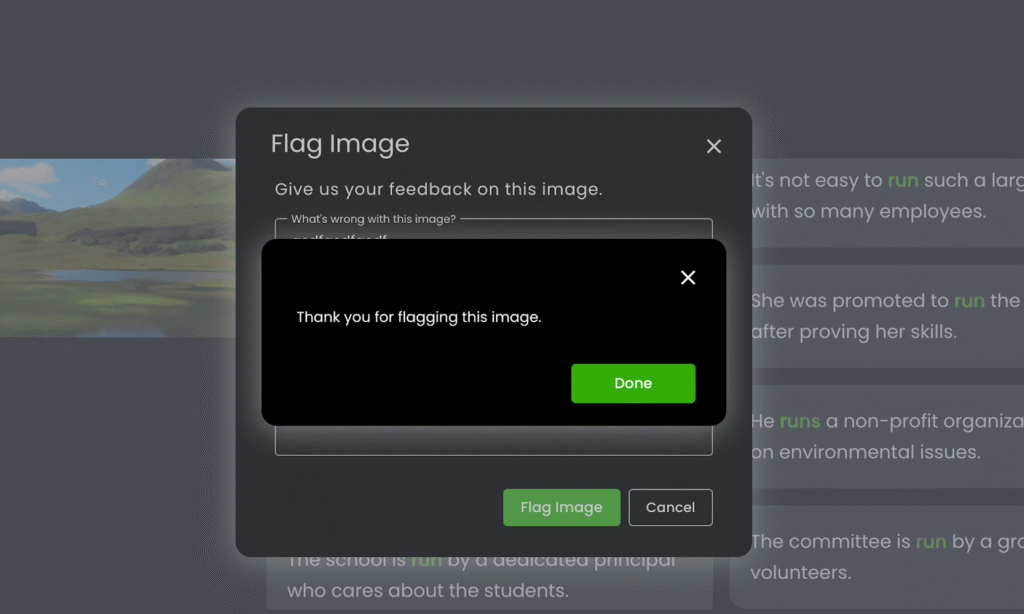
Users can now flag images in Wordela that appear incorrect or inappropriate. When an image is flagged, a pop-up window will appear, allowing users to provide a short description for review.
This improvement helps maintain accuracy and ensures a safe, high-quality learning environment for everyone.
This feature applies to Wordela EDU accounts only.
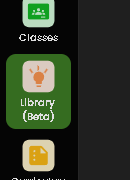
Added “Beta” Label to Library Menu
A “Beta” tag now appears beside the new Library menu to show that this feature is still in its testing phase. This helps users identify that the Library is under active development and may receive further updates and improvements.
This feature applies to Wordela EDU accounts only.
Automatic Redirect for EDU Admin Accounts
When logging in, all EDU Admin users are now automatically redirected to the admin interface for easier access and management.
This feature applies to Wordela EDU accounts only.
Looking Ahead
With each update, Wordela grows into a more intelligent, intuitive, and learner-focused platform. The October 2025 improvements—from the enhanced Library Screen and admin tools to stronger safety features—are designed to make teaching and learning smoother, faster, and more connected.
Every change brings Wordela closer to becoming the ultimate space where vocabulary growth meets innovation.